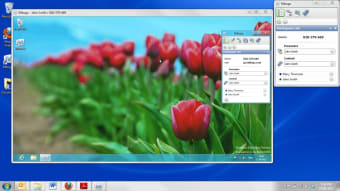
Share your desktop with up to 10 other users
With broadband speeds and processing power increasing all the time, desktop sharing is becoming an increasingly competitive area in the software field.
Top Recommended Alternative
Particularly for technical support specialists, it prevents the need to physically assist a customer. Instead they can just connect to their Mac or PC and fix the problem instantly. For general users, it means more easily being able to help your friends and family when things go wrong for them on their computer.
The first big bonus to note is that Mikogo is free to use. Secondly, you can connect across platforms so PC users can connect to Macs and vice versa. The other stand-out feature of Mikogo is that you can share with up to 10 different people at the same time, making it ideal for meetings, presentations, or training sessions.
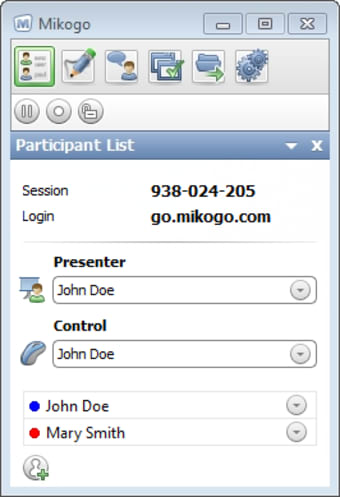
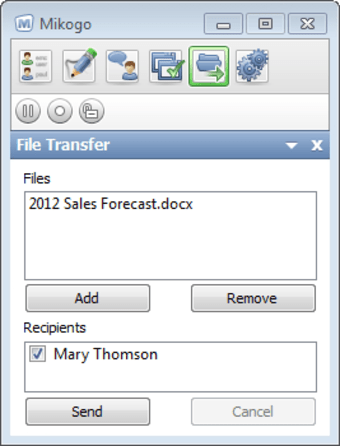
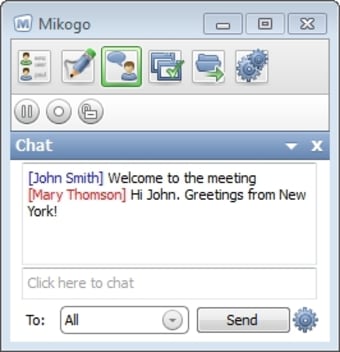
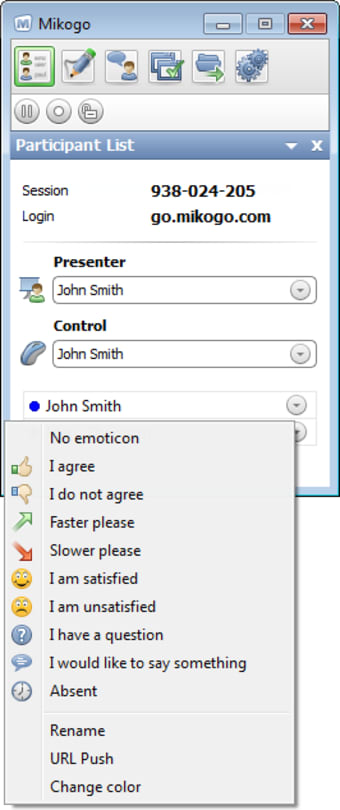
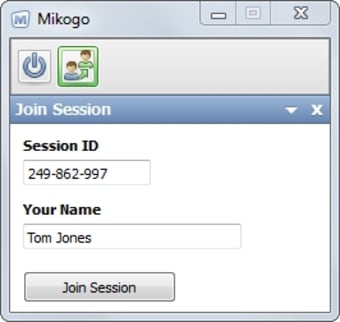
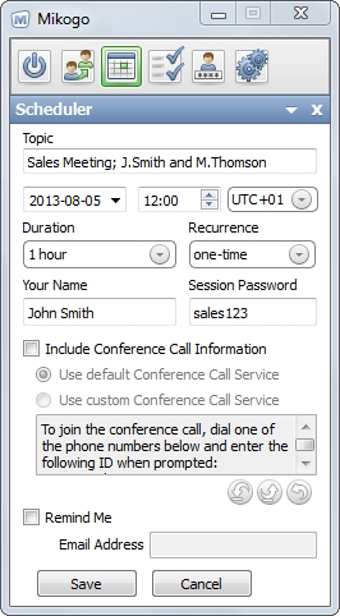
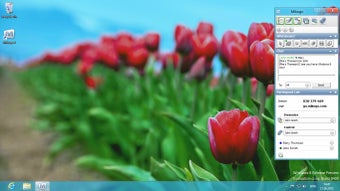
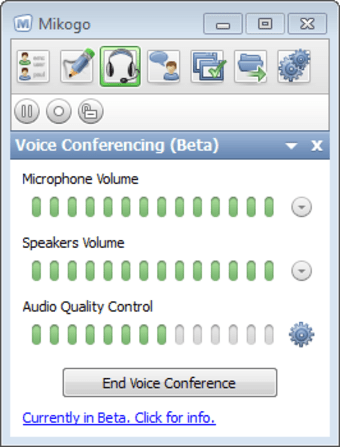
Mikogo has been designed for beginners to desktop sharing so it's very easy to use. Before you do anything however, you'll have to sign-up for a Mikogo account, for which you simply have to supply your email address and name. The person that wants to see someone else's desktop has to have an account but those that just want to share only have to enter the six digit code issued to them by the host. The first thing you notice is that Mikogo is pretty quick. There isn't too much lag time, meaning you don't have to wait ages for windows to move around the screen. I also liked the fact that in an instant, you can change the host or presenter simply by clicking the icon in your top menu bar.
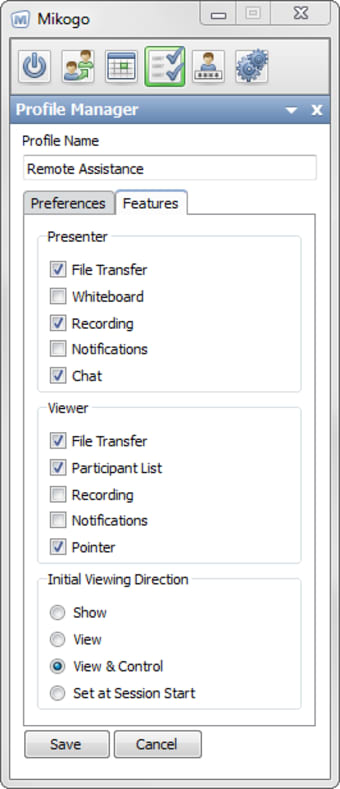
You can pause transmissions at any time and connections are encrypted with a 256-Bit AES encryption key. There's also a handy recording function which allows you to record sharing sessions for archiving or later reference. You can even allow the other user to take control of your machine using the 'Remote Control' feature. There is also supposed to be an audio conferencing feature according to the developer website although I couldn't find this in the actual program.
Overall however, Mikogo is an impressive desktop sharing solution. It's very simple to use and switching from host to presenter is a breeze.